
Collins-Expenz
Expense capture for teams that work outside the office.
Employees capture receipts when purchases happen. Approvers review. Approved expenses post to QuickBooks Online—with receipts attached.
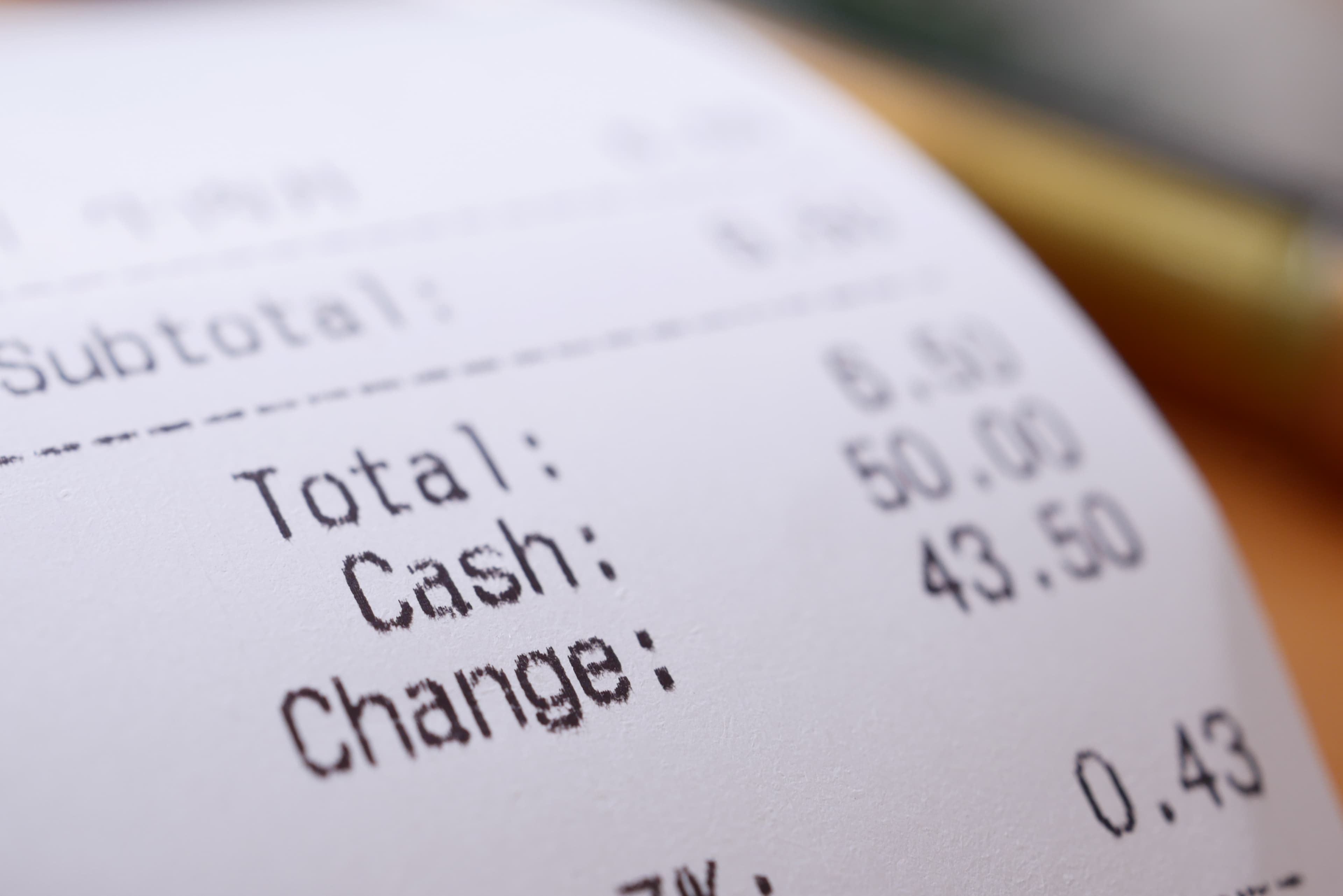
Shoe Box
Captures receipts before the bank feed catches up.
Employees upload receipts the moment they make a purchase. Collins-Expenz extracts the details, holds them in Shoe Box, and matches them to the bank or card transaction when it appears.
Receipt-first expense management with automated transaction reconciliation.
- 01
Capture now
Photo or PDF from the job site, truck, or office—before the bank feed shows up.
- 02
Hold in Shoe Box
Details are extracted and held with purpose, category, and job coding.
- 03
Match later
When the transaction appears, Collins-Expenz links high-confidence matches and flags the rest for review.
From receipt to QuickBooks
A straightforward path for field teams and the people who keep the books.
- Step 1
Capture
Submit expenses with receipts on web or mobile—category, card, vendor, and job when you need them.
- Step 2
Approve
Owners and accountants approve or reject with a reason. Employees can fix and resubmit.
- Step 3
Sync
Approved expenses post to QuickBooks as Purchases. Receipts stay attached to the transaction.
Built for teams who buy on the go
Field & trades
Construction, maintenance, property management, and mobile teams who buy on the go.
Approvers
A clear review queue with context, receipts, and QuickBooks sync status.
Owners & accountants
Connect QuickBooks, sync reference data, and keep books clean without chasing paper.
Works with QuickBooks Online
Connect your QuickBooks company once, sync accounts, vendors, customers, and jobs, then let approved expenses flow in as Purchases with the right category, card, and payee.
QuickBooks and Intuit are trademarks of Intuit Inc. Collins-Expenz is not affiliated with or endorsed by Intuit.
Ready for a pilot?
Today: expense capture, approval, receipts, and QuickBooks Purchase sync. Shoe Box matching, bank feeds, and email intake are on the roadmap after pilot receipt capture.